
We have explained the recommended fixes for the blinking orange light issue below. But before that, let’s look at the problems that may happen during troubleshooting so you know what to expect.
Problems When Fixing Cricut Mug Press Blinking Orange Light Issue
The troubleshooting may be obstructed, or you may be stuck in the middle if these issues arise:
- Incorrect power connection
- Overheating or auto shut-off
- The computer does not recognize the machine
- The machine does not detect the mug
- The light keeps blinking after warm-up
Troubleshooting Solutions to Fix Blinking Orange Light Issue
Try any of the following fixes to resolve the blinking orange light issue and start using your machine again:
Reset the Press
Step 1: Power off the press.
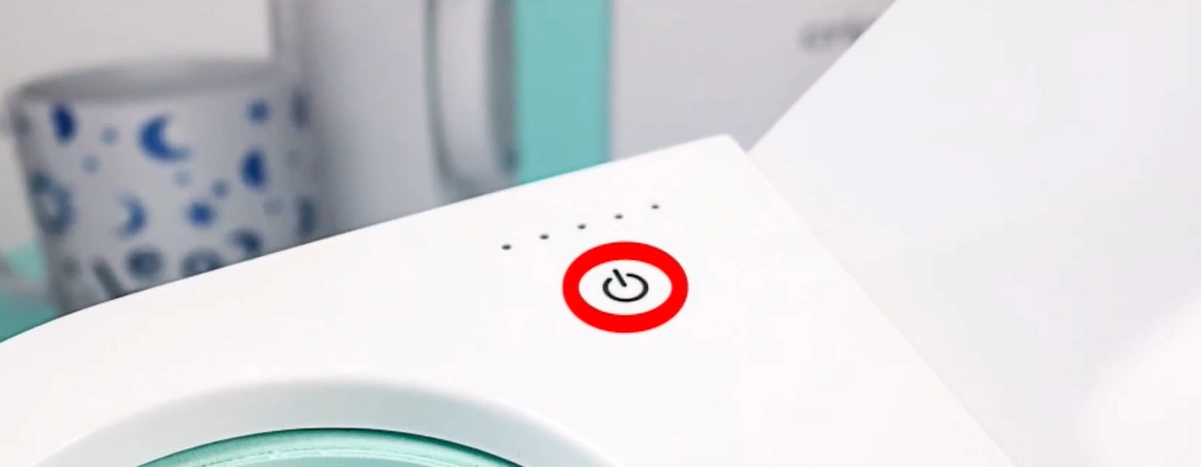
Step 2: Remove the cord from the wall outlet.
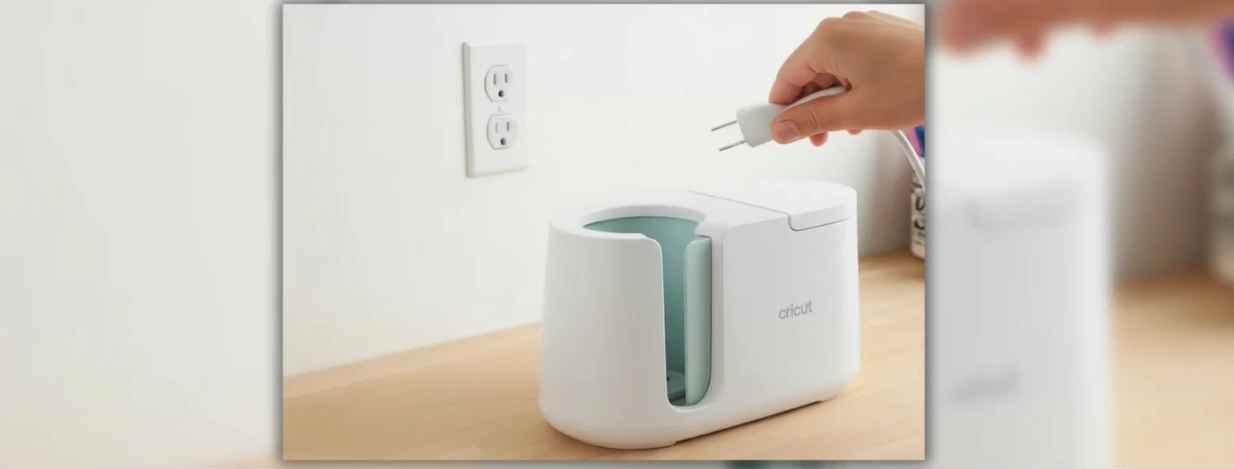
Step 3: Make sure all the lights turn off.
Step 4: Wait for about 30 to 60 seconds.
Step 5: Plug the cord back in and power on the press normally.
Complete the Firmware Update
Step 1: Connect the press to a PC via USB.
Step 2: On your PC, go to cricut.com/setup or open Design Space software.
Step 3: From the left menu, click “New Machine Setup” and follow the steps to update the firmware.
Step 4: If the update fails, use a different USB cable or port.
Force Exit the Connect Mode
Step 1: If the press is stuck, turn it off.
Step 2: Press and release the power button once (do not hold) to restart the machine.
Also Read:- How to Setup Cricut Mug Press?
Wrapping Up
These are the most helpful fixes for the blinking orange light on your Cricut Mug Press machine. Follow each step carefully to avoid problems later. Once the issue is fixed, you can start making custom mugs again without interruptions.