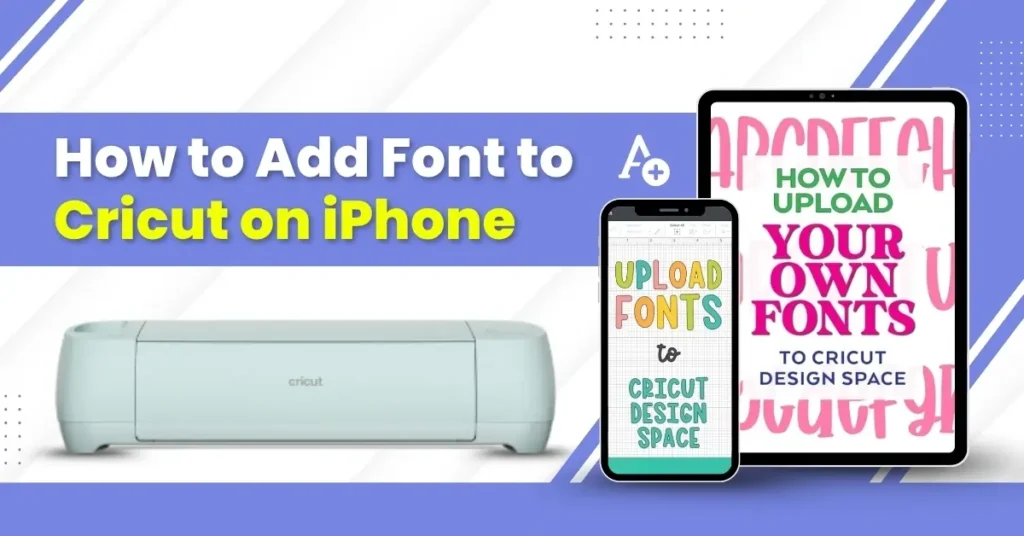
Last week, while working on a craft project, I was tasked with designing elegant wedding invitations. Excited to begin, I turned on my Cricut machine, opened the Design Space app, and gathered all my tools. However, I couldn’t find my favorite font style. Despite searching through the app and my system, the perfect font was missing.
After some exploration, I discovered how to download and install the font on my iPhone. If you’re in a similar situation, follow these instructions to add fonts to Cricut. But first, let’s explore some possible issues you may encounter.
Potential Issues When Adding Fonts to Cricut on iPhone
Here are some of the most common issues that you may face when adding a font to Cricut on an iPhone:
- Unsupported file format
- The Design Space app is not refreshed
- The downloaded font may include multiple versions
- Font installation often requires third-party apps
- The font doesn’t look right in the app
The Process of Adding Font to Cricut on iPhone
Adding a font to Cricut can take your crafting experience to another level. However, you must follow all the essential steps to download and install fonts in Cricut correctly. Here is how to do it:
Step 1: Download the font.
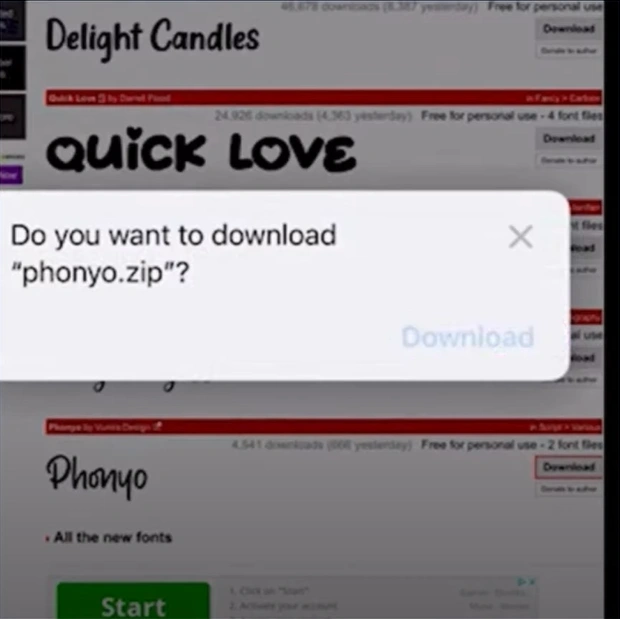
Step 2: Open your iFont app, which you can download from the App Store if it is not already installed.
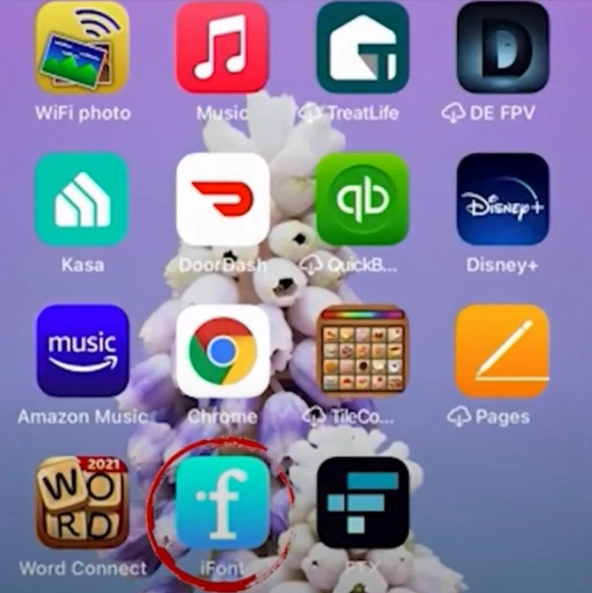
Step 3: Tap on Import, select the font zip file, and confirm by tapping Import again.
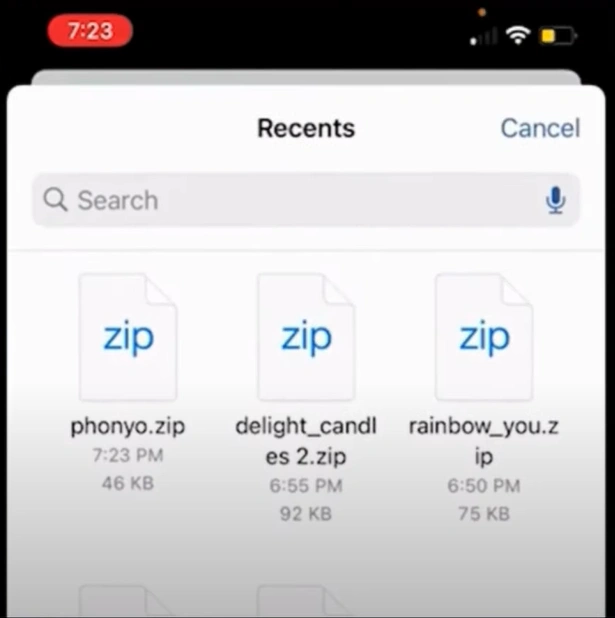
Step 4: Install the font, tap Allow to download, and allow the settings file for the font.
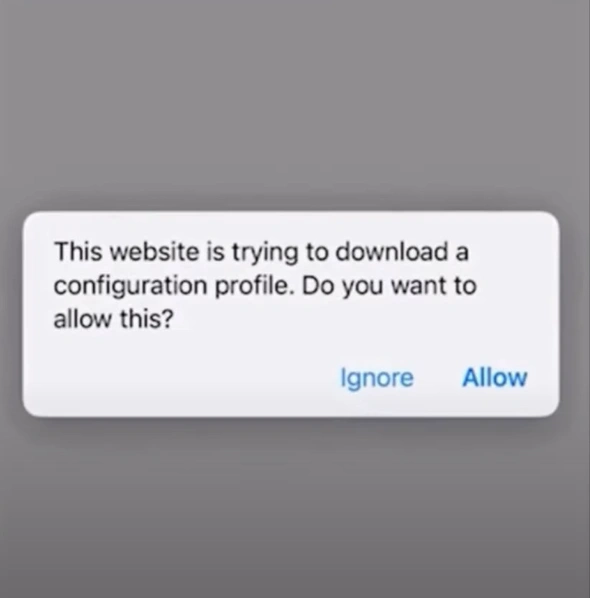
Step 5: Now tap Close and go to the phone Settings (gear icon).
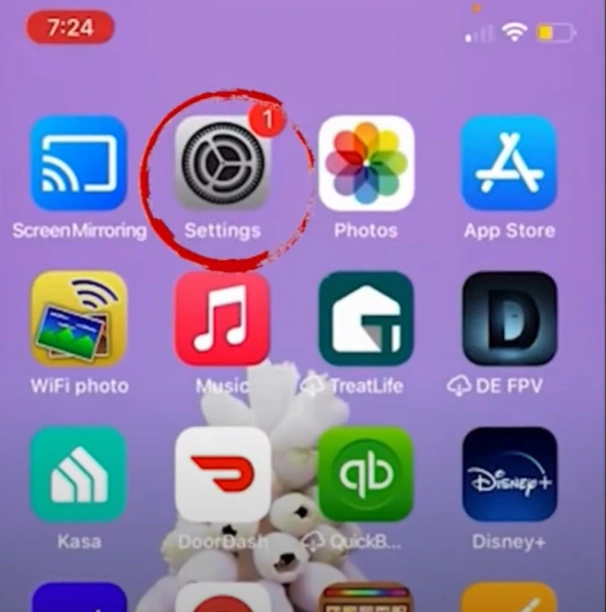
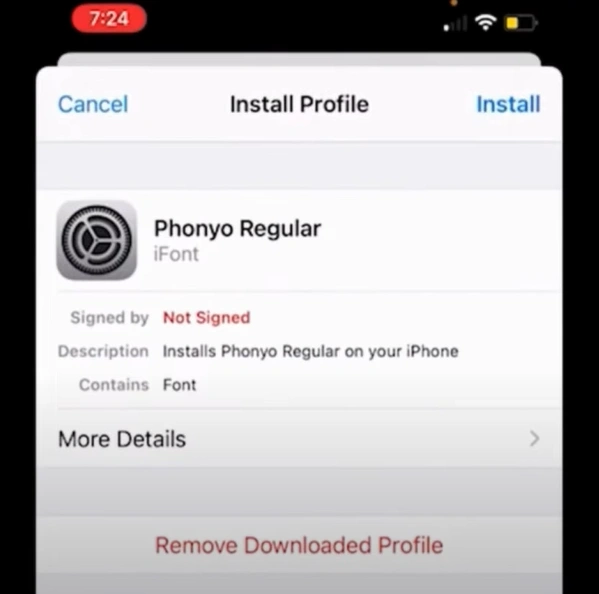
Step 6: Tap on Profile Downloaded, then install. Enter your passcode and tap Install again.
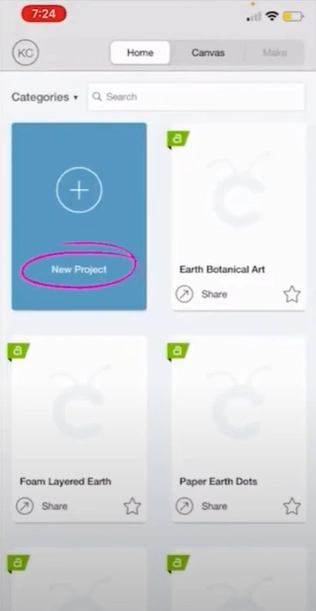
Step 7: Open your Design Space app and select Text from the bottom toolbar.
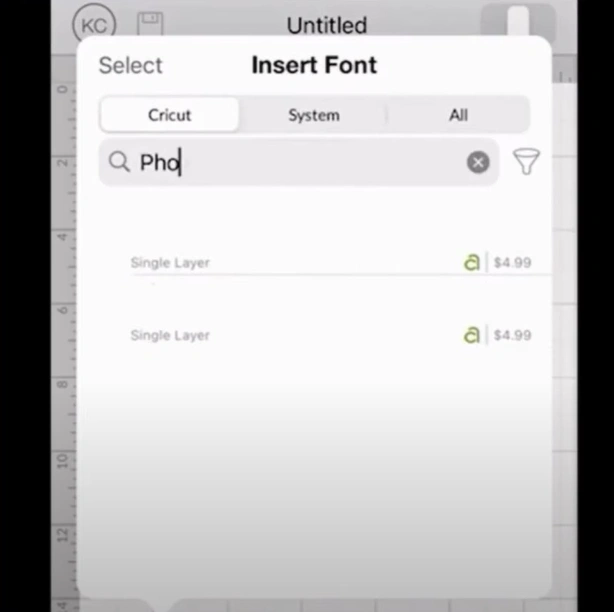
Step 8: Tap on System, then search and choose your font.
Also Read:- How to Turn Off Auto Mirror in Cricut
Wrapping Up
Adding fonts to Cricut on your iPhone is a simple yet transformative process for your DIY projects. By following the steps above, you can personalize your designs with the perfect font style. Overcome potential challenges and let your creativity shine with custom fonts on Design Space!