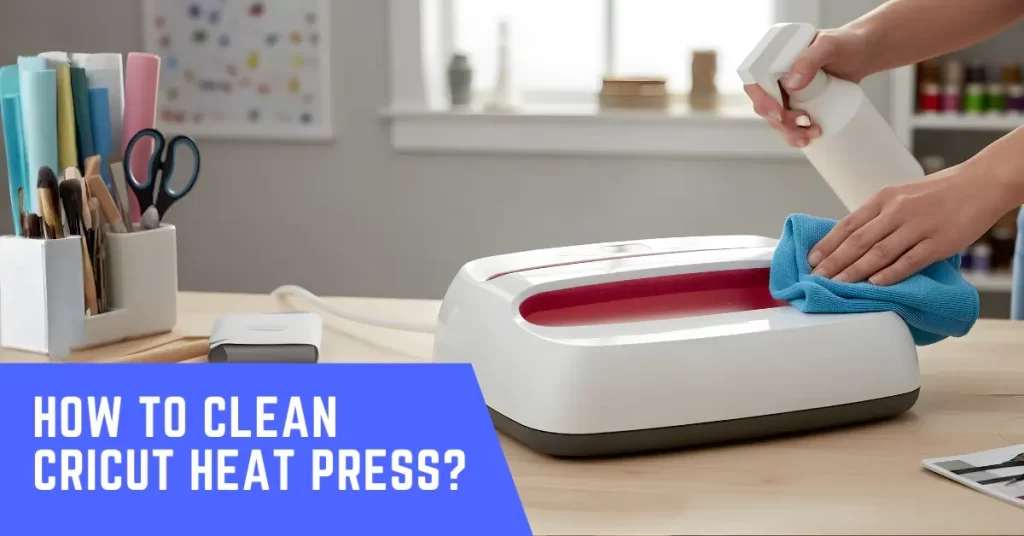
Your Cricut Heat Press is an important tool for your DIY projects. Like any tool, it needs care to last long and work well, so keeping it clean helps maintain its performance.
Sometimes your Cricut Heat Press may need cleaning because, over time, adhesive residue, fabric fibers, or heat transfer vinyl may accumulate on the plate. Regular cleaning becomes necessary as it not only keeps the machine looking clean but also helps with even heat and prevents stains or burns during use.
How to keep your Cricut Heat Press clean: before you start cleaning, here are some important things to check and prepare.
Preparations Before You Start Cleaning
Cleaning the Heat Press is quite a task. Before you begin, get things in order so that the cleaning process goes smoothly. Here are some preparatory tips:
Unplug and Let It Cool
Turn off the Cricut Heat Press and unplug it. Wait for the plate to cool before cleaning. This will prevent burns or accidental damage during cleaning.
Gather Cleaning Supplies
Keep a soft cloth or microfiber towel, mild soap, cotton swabs, and a non-abrasive cleaner at hand. Do not use harsh chemicals or anything scratchy – they can damage the coating.
Prepare Your Workspace
A steady surface prevents you from dropping or bumping the heat press while cleaning. So, you must check beforehand if your work desk or counter is dry, stable, and clutter-free.
Issues You May Face When Cleaning a Cricut Heat Press
These are some potential problems that you might encounter when trying to clean your Cricut Heat Press:
- Mistakenly using abrasive cleaners
- Damaging the heat plate coating
- Cleaning while the machine is still warm
- Leaving behind lint or fibers
Quick Tips to Clean Cricut Heat Press
Follow these crucial steps to learn how to clean your Cricut Heat Press machine the right way:
- Ensure your heat press is turned off. Keep it away and let it cool down for a few minutes.
- Mix white vinegar with warm water or use a product like 409. You can also use a commercial iron cleaner for the cleanup.
- Use a non-abrasive cloth or soft scrub pad to wipe the plate gently.
- If you find any residue, wrap a rubber spatula in a cloth, reapply the cleaner, and press hard to scrub that particular area.
- Place a blank paper or an old t-shirt under the area you are cleaning. Doing so can help catch any drips and keep your workspace clean.
What to Do After Cleaning
Is there anything else to do? Yes, here is what you need to do after you are done cleaning your Cricut Heat Press:
- Test the plate: After the cleaning, press a scrap piece of fabric so that no residue transfers onto it, and you can be sure the surface is clean.
- Protective layer: Protect the upper platen with a Teflon sheet or cover to prevent residue buildup and extend the life of the silicone pad.
- Clean the exterior: Wipe the exterior of the heat press with a damp cloth. If you see scuff marks, spray a little cleaner onto the cloth and wipe that area.
Also Read:- How to Apply DTF Transfers with Cricut Heat Press?
Wrap Up
That’s how you should clean your Cricut Heat Press. Don’t forget to power off the press and let it cool down before you start cleaning. Avoid abrasive cleaners and make sure no lint or fibers stay on the plate. Make sure that you have the right tools at hand and your workspace is smooth and clean.